Description

In a new installment we will tell you about another great RPG presented by the Silent Lamb company. It is about the possibility of downloading Counter Extremist a game in which you will have to do to return glory to your kingdom. It has some very interesting features, as well as agile and entertaining dynamics. To install Counter Extremist in a simple, fast and free way, you will only have to click on the download link at the end of the note, but first we recommend that you do not stop reading the following paragraph to inform yourself about the details that contains the game.
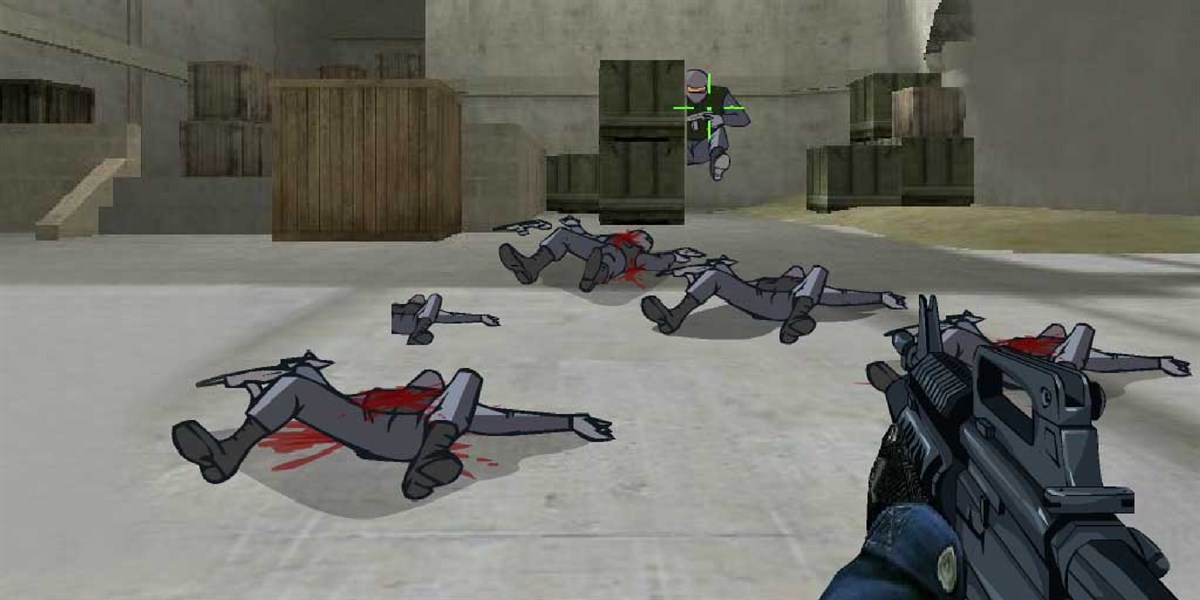
Counter Extremist for Windows Phone

In this story, terrorists have taken control of the entire city: they kill innocent people at will. For this reason, as a soldier, what you will have to do is eliminate those enemies in the war on terror. This game turns your phone into a battlefield and shoot down all your enemies. You will play the role of an elite army soldier and an unrecognized hero in the war on new terrorism. This game combines the fast pace of action games with the satisfaction of a bloody precision shot, offering an exciting game like never before.

For these exposed in these lines, do not stop installing Counter Extremist in mobile devices that have Windows 8 Mobile operating system or also with later versions.

Counter Extremist, Delete, Game, RPG, Terrorists, Windows Phone

How to Install an Application

  • Navigate to the application’s page on our website.
  • Click on the “Download” button. The download will begin automatically, and the application file (.xap or .appx) will be saved to your computer.
  • Connect your Windows Phone to your computer using a USB cable.
  • On your phone, go to “Settings” > “Update & Security” > “For Developers” and enable “Developer Mode” to allow app installations from sources other than the Microsoft Store.
  • Locate the downloaded .xap or .appx file on your computer.
  • If you have the Windows Phone Application Deployment tool, you can use it to install the app directly. Otherwise, copy the file to your phone’s storage.
  • On your phone, open the “File Manager” app and navigate to where you saved the .xap or .appx file.
  • Tap on the file to begin installation. If prompted, confirm the installation.
  • Once the installation is complete, go to the app list on your Windows Phone. You will find the new application there.
  • Tap on the application icon to launch it.
  • If the installation fails, ensure your phone’s operating system is up to date and that you have enough storage space.
  • For applications requiring special permissions, you might need to review and accept them before the app can be installed.

People also liked

Leave a Reply

Your email address will not be published. Required fields are marked *

Fill out this field
Fill out this field
Please enter a valid email address.

keyboard_arrow_up